
← All articles
Digital menu2 min read
A digital menu that guests understand immediately
A good digital menu helps the guest choose. This requires less extra effects and more clear categories, readable product information and an order button that always feels logical.
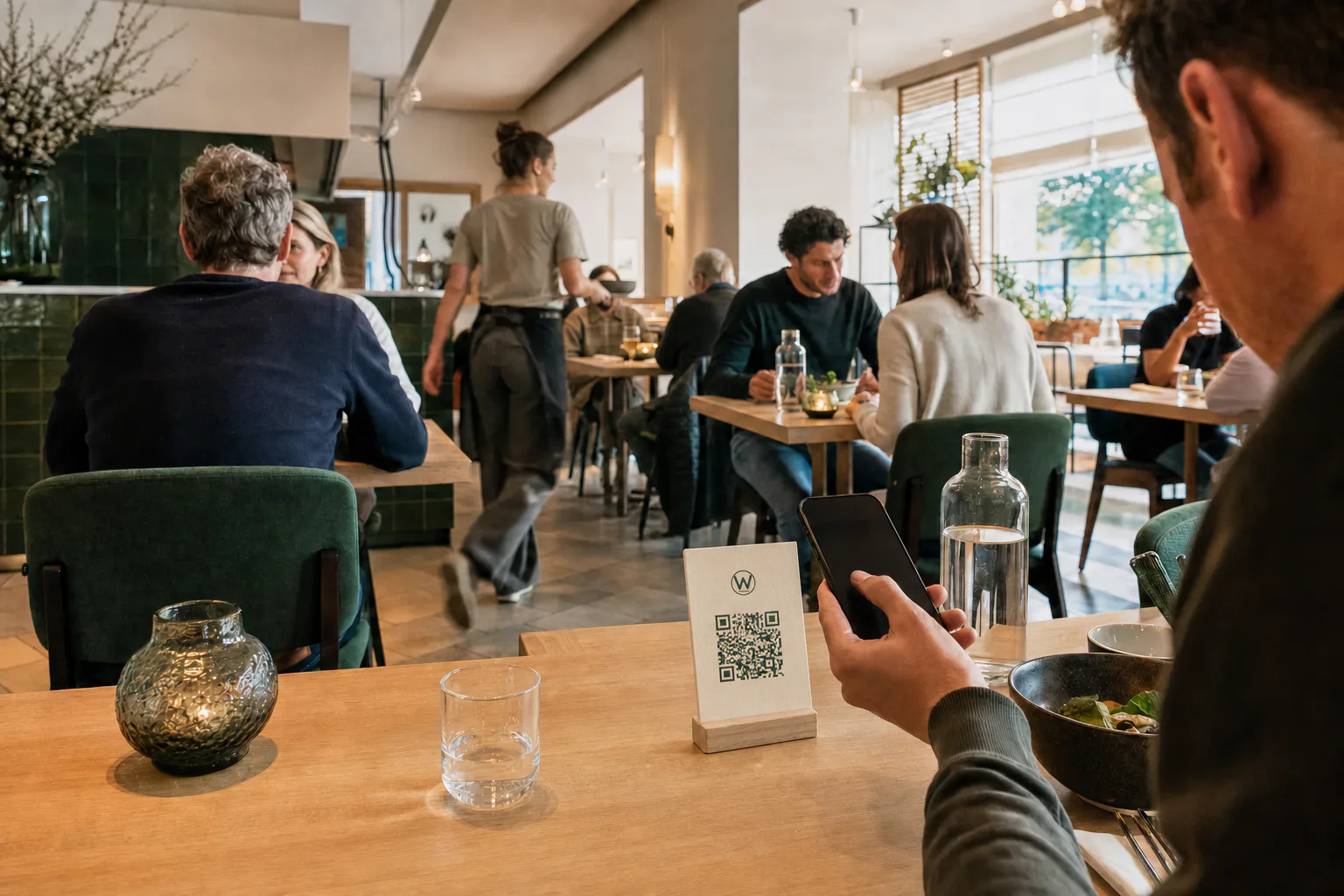
Put the most important choice at the top
Start with recognizable categories and popular dishes. Don't let the guest scroll through a long introduction first. Search functions and diet filters are useful, but should not get in the way of the regular menu.
Use real and consistent photography
Photos must match what is served. Choose the same light, crop and background style. A credible photo supports the choice; a too smooth or unrealistic image can actually raise doubts.
- ✓Show the complete dish
- ✓Avoid heavy filters
- ✓Use the same aspect ratio
- ✓Compress images for fast loading time
Make price and allergens scannable
Place the price directly on the dish and use short, fixed labels for dietary preferences and allergens. If in doubt, always indicate that the guest should contact the service.